
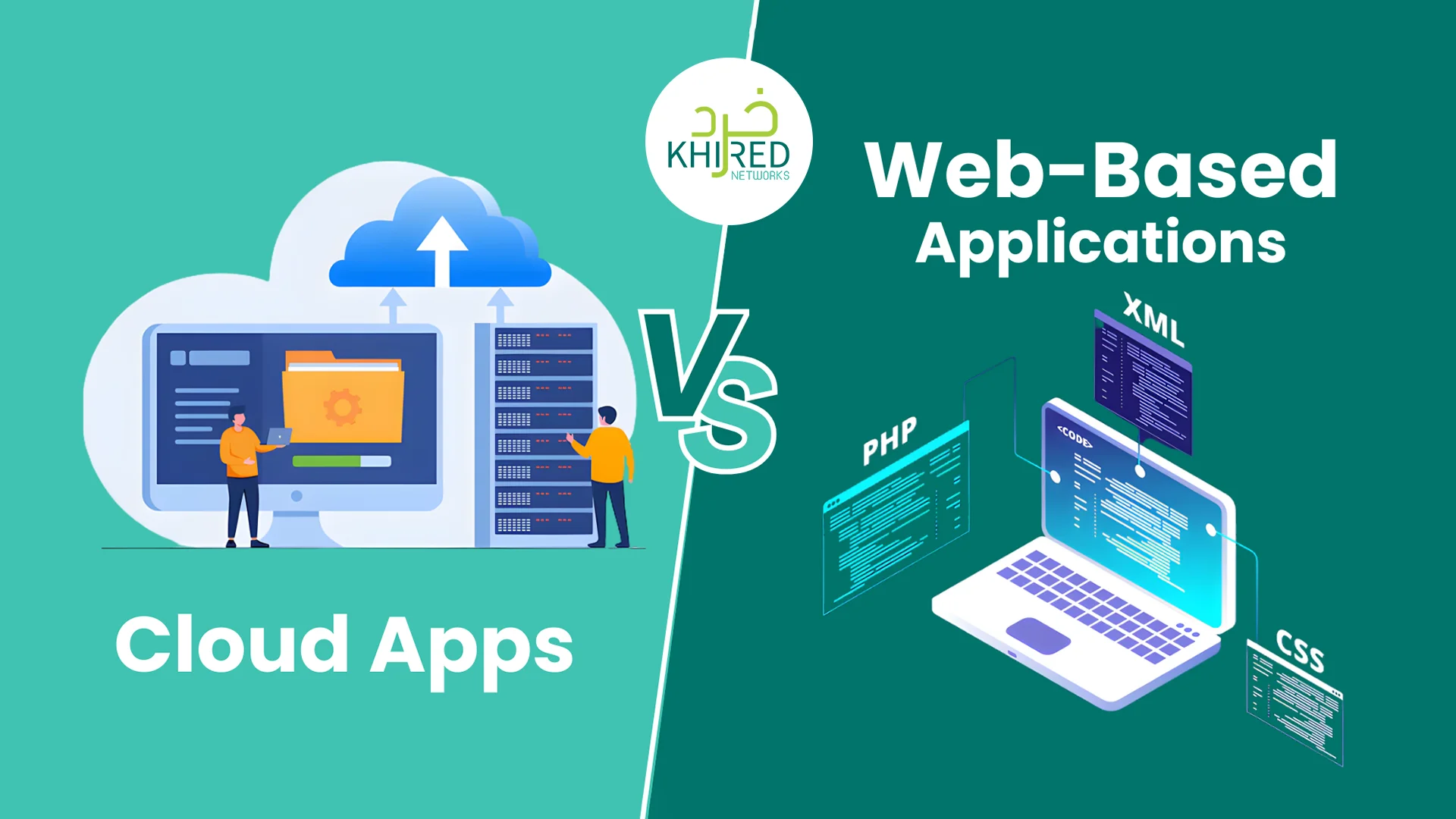
Not every solution float in the cloud — some thrive on the web.
Running a modern tech business in this era of digitalization means relying on software that your team can access from anywhere: the office, home, or while travelling. In this regard, two kinds of applications are noteworthy – web apps and cloud-based apps.
Now, until the start of the current millennium, the concept of “web apps” and “cloud computing apps” remains unknown to most developers. But today, the situation is different. The rise in global internet access has led to the growth of both web applications and cloud-based apps.
Unlike traditional software, they don’t require long installations or heavy downloads. Instead, they operate through online connectivity, helping users work smarter or enjoy digital experiences with ease. The real difference lies more in architecture, infrastructure management, and scalability strategy than in access alone.
However, the level of internet dependency for a web app compared to a cloud app isn’t as straightforward as it may seem. So, in this article, we break down these two concepts to help you decide which is a better fit for your business.
Understanding Web Applications
A web‑based application (web app) is software you run directly through a web browser like Chrome, Firefox, or Edge. Although they are stored and run on remote servers, they are easily accessible through web browsers.
You don’t need to install anything on your computer or phone — all you need is an internet connection and a browser. Because everything runs over the internet, you can use the same web app on any device — PC, tablet, smartphone — as long as you have a compatible browser.
Here, it’s important to be clear about the distinction between a web app and a website. Today, non-developers use the term “website” for just about any platform they browse over the browser. But let’s just take a break to understand the difference between the two.
Web Apps vs Websites
A website is mainly built to share information. It’s like a digital brochure that gives you visibility in the digital market. Users can read content, explore pages, and learn about a brand or service. However, on a website, the interaction is limited, and the focus stays on delivering information.
On the other hand, a web application is designed for proper action. It lets users do things and not just read. Whether it’s booking a ride, chatting with support, editing a document, or managing tasks, a web app responds to user input and performs functions in real time.
Why the Difference Matters
When speaking of the significance of this difference, it all depends on your goal.
- If your goal is to inform, a website works well.
- But if you need users to interact, create, or perform tasks, a web app offers the tools and interface to make that possible.
Types of Web-Based Applications
Web apps run inside a browser and don’t need installation. Here are the main types of web applications:
- Static Web Apps: These are simple apps that display fixed content. They load quickly but offer limited interaction. Examples include small business sites or digital brochures.
- Dynamic Web Apps: These apps fetch data in real time and allow users to interact with features. Social platforms, dashboards, and booking systems fall into this category.
- E-Commerce Web Apps: Designed for buying and selling, these apps support product listings, payment gateways, and order tracking — like many online stores.
- Portal Web Apps: These apps bring different services into one place. Users log in to access dashboards, forms, or internal information, making them useful for schools, HR teams, or customer portals.
- Single-Page Applications (SPAs): SPAs load once and update content smoothly without refreshing the entire page. Gmail, Trello, and many modern tools use this fast, app-like structure.
- Progressive Web Apps (PWAs): PWAs bridge the gap between web and mobile apps. They load quickly, work offline, send push notifications, and can be added to a device’s home screen — all without installing a traditional app.
Benefits and Drawbacks of Web Apps
| Benefits of Web Apps | Drawbacks of Web Apps |
| Users can access the app on any device through a browser, reducing friction. | Strong or stable internet is required for good performance. |
| No downloads or installations mean faster user adoption. | Web apps may feel slower than native or desktop apps for heavy tasks. |
| Updates roll out instantly for all users, simplifying maintenance. | Limited offline support unless built as a PWA. |
| Work across devices and operating systems, increasing reach. | Access to device features like sensors or storage is restricted. |
| Lower development and deployment costs compared to native apps. | UI and speed depend on browser capability, which varies among users. |
| Developers can use one codebase for all platforms, reducing workload. | More exposed to threats because they run over the open web. |
| Easier scaling as traffic grows, benefiting growing businesses. | Performance can drop if the hosting server isn’t optimized. |
| Faster release cycles due to modern frameworks and CI/CD pipelines. | Requires continuous monitoring of browser updates and compatibility issues. |
| Simple integration with APIs and cloud services improves features. | Testing across multiple browsers adds extra work. |
| Ideal for content-driven or customer-facing platforms like portals, dashboards, and e-commerce. | Cannot fully match the power and capabilities of high-performance native apps. |
Understanding Cloud Applications
A cloud computing application (cloud app) is software that runs on remote servers and relies on cloud infrastructure to perform tasks. Cloud apps leverage managed computing resources — such as scalable compute power, storage, networking, and managed services — provided by cloud platforms. This reduces the need for businesses to manage physical infrastructure.
The best thing about cloud apps can be accessed through a browser or downloaded as a standalone application on desktops or mobile devices. Most of the heavy lifting — storage, computing, backups, and updates — happens on cloud servers maintained by service providers. This makes cloud apps ideal for businesses that need flexibility, security, and high performance without managing their own infrastructure.
Types of Cloud Applications
Cloud apps can be categorized based on how they deliver services:
- Software-as-a-Service (SaaS): Ready-to-use applications hosted on the cloud. The SaaS architecture in cloud computing is such that users can access it via browser or app without worrying about updates or servers. Examples: Slack, Zoom, Notion.
- Platform-as-a-Service (PaaS): Cloud platforms where developers build, test, and deploy custom applications without managing hardware.
- Infrastructure-as-a-Service (IaaS): Platforms that offer scalable computing resources, storage, and networking for businesses to run servers, databases, or high-demand applications.
- Cloud-Native Apps: Apps designed for cloud environments; these apps scale easily, run across devices, and provide robust features like collaboration or media processing.
- Hybrid Cloud Apps: Combine local systems with cloud services, allowing sensitive data to remain on-premises while leveraging cloud for other functions.
Benefits and Drawbacks of Cloud Apps
| Benefits of Cloud Apps | Drawbacks of Cloud Apps |
| Can scale automatically to handle growing user demand. | Initial setup or subscription costs can be higher than simple web apps. |
| Access from any device with internet or via dedicated apps. | Requires stable internet for most real-time features. |
| Heavy computing and storage handled by cloud servers, reducing hardware costs. | Full control of infrastructure is limited compared to on-premises solutions. |
| Easier collaboration with real-time syncing and sharing. | Security depends on cloud provider policies; sensitive data may need extra safeguards. |
| Faster deployment and updates, as cloud providers manage infrastructure. | Some advanced features may require additional setup or third-party services. |
| Integrates easily with other cloud services, APIs, and analytics tools. | Vendor lock-in can occur, making a migration complex. |
| Reduced maintenance burden for internal IT teams. | Performance can vary based on server location or network latency. |
| Supports complex applications, large datasets, and enterprise-level operations. | Continuous monitoring is needed to manage costs and usage efficiently. |
| Backup, redundancy, and disaster recovery handled by the cloud provider. | Users may experience downtime during provider maintenance or outages. |
Cloud Apps vs Web-Based Applications: Key Differences
The following table offers a comprehensive insight into the key differences between the two different kinds of applications:
| Feature | Web Applications | Cloud Applications |
| Core Concept | Browser-based applications accessed over the web, often running on cloud or traditional infrastructure. | Applications built on cloud platforms using managed infrastructure and cloud services. |
| Infrastructure | May run on shared hosting, virtual servers, or cloud infrastructure depending on deployment. | Runs on cloud infrastructure with managed compute, storage, networking, and services. |
| Access Method | Accessed through a web browser on any internet-enabled device. | Accessed through browsers, desktop apps, or mobile applications. |
| Scalability | Can scale effectively with proper architecture and optimized backend design. | Designed for elastic scaling using cloud-native resources and automated scaling tools. |
| Performance | Performance depends on architecture, backend processing, and infrastructure optimization. | Performance depends on cloud architecture, region, and resource configuration. |
| Functionality | Can support complex, enterprise-grade features, real-time collaboration, and integrations. | Supports advanced features, large-scale data processing, and deep service integrations. |
| Infrastructure Management | Infrastructure management is handled by the development or operations team. | Infrastructure management is largely handled by the cloud provider. |
| Cost Structure | Often lower initial costs; hosting and scaling costs vary by setup. | Usage-based pricing model that reduces upfront investment but requires cost monitoring. |
| Deployment Flexibility | Typically deployed as a single web-accessible application. | Supports distributed, multi-region, and hybrid deployment models. |
| Offline Capability | Limited offline support unless built as a Progressive Web App (PWA). | Offline support depends on application design, not cloud usage alone. |
| Security Responsibility | Security is managed by developers and hosting providers. | Shared responsibility between the cloud provider and application team. |
| Typical Use Cases | Portals, dashboards, e-commerce platforms, collaboration tools, and content-driven systems. | SaaS platforms, enterprise systems, analytics tools, AI-driven applications, hybrid solutions. |
| Key Distinction | Focuses on how users access the application (browser-based). | Focuses on how the application is built, deployed, and scaled using cloud services. |
How You Can Choose Between the Two
A business should decide on an application approach by considering current requirements and long-term objectives. Key factors include:
- Project Complexity: Simple portals, content-driven websites, or lightweight internal tools can be implemented as browser-based web applications with minimal infrastructure.
- Growth Expectations: If rapid growth, fluctuating demand, or global reach is expected, adopting a cloud-based architecture enables elastic scaling and high availability.
- Collaboration and Accessibility: Applications that require real-time collaboration, data synchronization across devices, or remote access benefit from cloud-backed services.
- Budget and Operational Resources: Web applications hosted on traditional infrastructure may have lower initial costs. Cloud-based solutions reduce the need for upfront hardware investment and ongoing infrastructure management through pay-as-you-go models.
- Long-Term Strategy: The chosen architecture should align with future expansion plans, integration needs, and the organization’s broader digital transformation strategy.
Summing Up
Web apps and cloud apps are often discussed as separate options, but in practice, the distinction is not always clear-cut.
Many modern web applications run on cloud infrastructure and deliver highly complex, enterprise-grade functionality at scale. The difference lies less in capability and more in architecture, infrastructure management, and the level of cloud adoption.
The right approach depends on your business requirements, growth plans, and operational strategy. By focusing on architecture rather than labels, organizations can choose a solution that supports productivity, enables collaboration, and prepares them for future digital demands.
Frequently Asked Questions
What are cloud services vs. web services?
Cloud services are those hosted by a third-party provider, while web services function based on direct back-and-forth communication. The clear similarity between the two service types is that they are both available over the internet.
Are cloud apps always better than web apps?
Not always. For simple, small‑scale applications with stable user volume and limited features, web apps may be cheaper and easier to manage.
Which is more cost-effective for a small business: web app or cloud app?
For small, stable needs, web apps are usually more cost‑effective. But if the business expects growth or variable workload, cloud apps often offer better long‑term value.


0 Comments